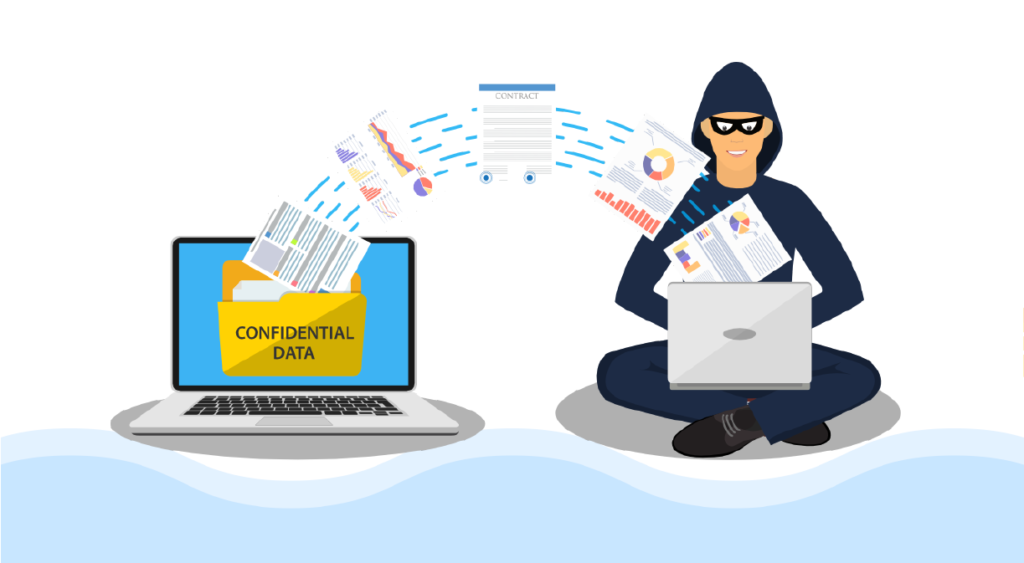
How to stop data theft from organization?
Data theft is a serious threat that can have a significant impact on businesses of all sizes. It can lead to lost revenue, damage to reputation, and legal and regulatory penalties. Sujata Computers Pvt Ltd is a leading provider of IT security solutions, and we’re…
How does UTM-Firewall help organization?
At Sujata Computers Pvt Ltd, we understand the importance of data security for organizations of all sizes. One of the key ways to protect an organization’s data is by implementing a UTM (Unified Threat Management) firewall. Nowadays, anti-virus is not enough. A UTM firewall is…
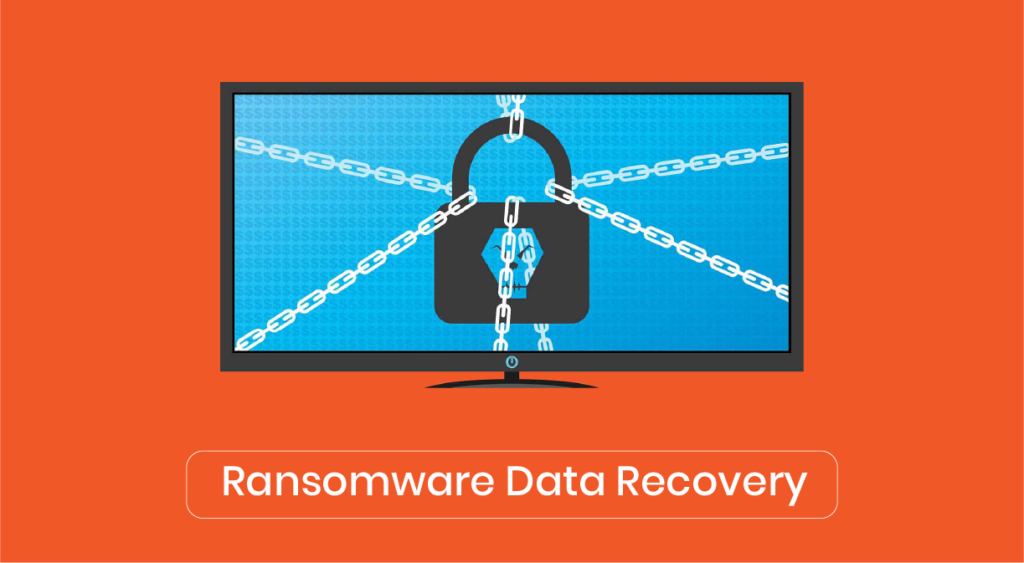
How to get data back after ransomware attack (India)
If your organization falls victim to a ransomware attack, it’s important to act quickly to minimize the damage and restore access to your data. Here are some steps you can take to get your data back after a ransomware attack: 1. Isolate the infected systems: Disconnect…
How to prevent Ransomware (India)
Preventing a ransomware attack starts with effective communication to your team. This includes educating employees about the risks of ransomware and how to identify and avoid it. 1. Regularly train your team on identifying phishing emails and malicious links. Many ransomware attacks begin with a…
How do I access Google Workspace?
Accessing Google Workspace, now known as Google Workspace (formerly G Suite), is easy and straightforward. 1. Go to the Google Workspace website (https://workspace.google.com/) and click on the “Sign in” button. 2. Enter your email address and password, then click “Next”. If you don’t have a…